
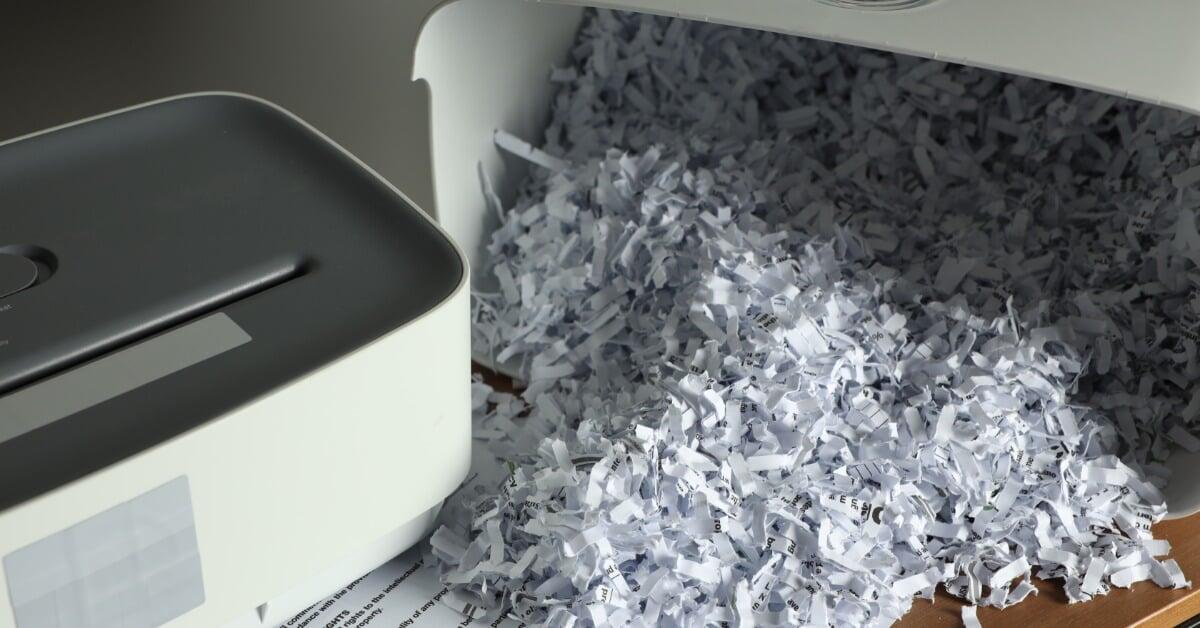
From shipping records to personnel files, departments throughout the facility accumulate high levels of documents that need secure disposal. Shredders that suffer repeated mechanical failures and are incapable of accommodating high-volume tasks disrupt the workflow. If your paper shredder shows any of these signs of failing, it’s time to select a new machine for the office.
1. Shredding Queues Disrupt Daily Workflows
A shared shredder turns into a bottleneck when employees line up to dispose of documents. Staff set stacks of paper beside the machine because each batch takes too long to process, slowing the entire workflow. The piles grow, and other tasks take employees’ focus.
When you observe the shredding area over the course of a typical week, the pattern becomes hard to ignore. Repeated queues signal that the machine cannot keep up with daily document volume, and employees make multiple trips just to clear a single stack. The constant back-and-forth drains productivity across departments and pulls attention away from high-priority work in office and warehouse settings.
2. Paper Jams Interrupt High-Volume Runs
Frequent jams disrupt bulk shredding and quickly break the rhythm of a busy workday. Employees have to stop mid-batch, reverse the cutters, and clear compacted paper from the feed area before they can continue. What should be a steady, routine process turns into a cycle of interruptions.
A one-off feeding mistake happens, but repeated jams point to a serious issue. Even properly prepared batches can trigger stoppages when cutting components wear down or when the machine doesn’t fit the workload anymore. These repeated breakdowns cause even more strain at shared shredding stations, where multiple teams depend on consistent performance to keep records moving efficiently.
3. Sensitive Documents Remain Readable After Shredding
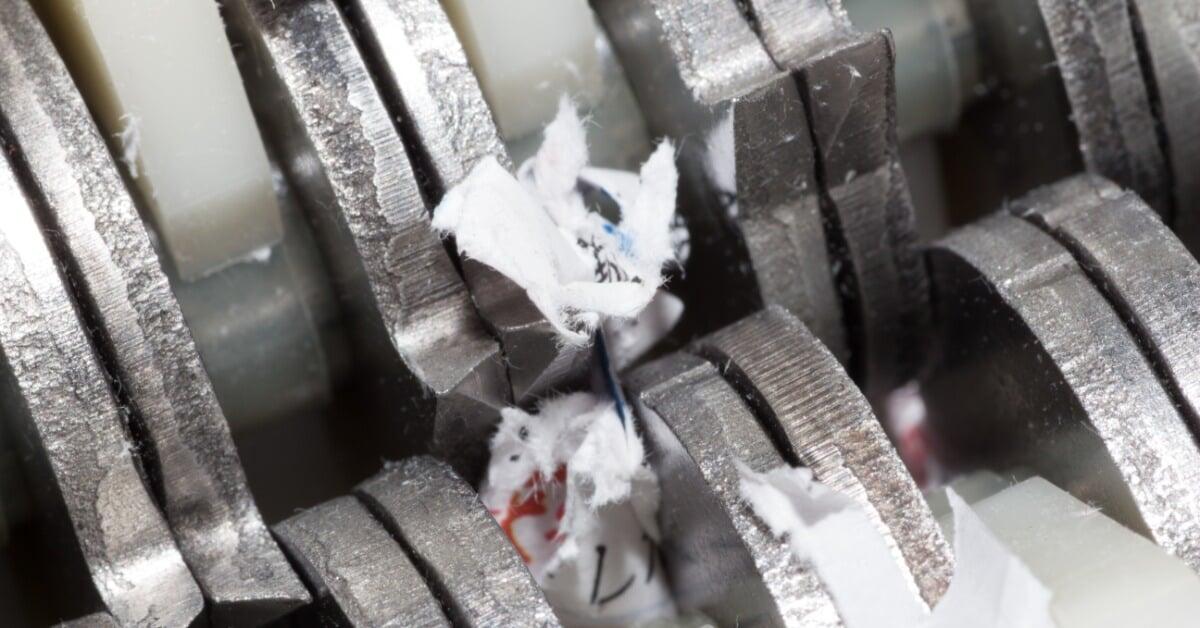
Sensitive information should disappear completely once it passes through a shredder. When employees can piece together names, account numbers, or internal codes from the output, the machine is no longer suitable for secure document disposal. It’s essential that the shredder doesn’t produce large strips or uneven cuts that result in partially intact information.
Security expectations vary across departments, so teams need to evaluate whether the current cut style still matches internal policies. Keeping a clear record of expected cut size helps teams spot this gap early and adjust before sensitive material builds up.
4. Shred Quality Changes Between Batches
Employees need to be able to trust the shredder’s output. When the shredder starts producing uneven strips or leaves sheets partially intact, the issue often points to internal wear or misalignment. Employees may also notice pages folding or feeding awkwardly through the blades instead of breaking down cleanly into the expected particle size.
These changes in output quickly affect both security and workflow efficiency. Over time, repeated reprocessing slows down document disposal and puts sensitive information at risk.
5. The Motor Overheats Regularly
High-volume shredding puts steady pressure on a machine’s motor, and that strain is obvious when the unit cannot keep pace. The machine might shut down after a small batch, forcing staff to pause work and wait for the cooldown period. As a result, large document purges take much longer than planned, and teams have to break the job into numerous sessions just to keep the process moving.
These repeated cooldowns signal a clear mismatch between the machine and the workload it now handles. An office that once shredded documents occasionally may now rely on the same unit throughout the entire workday, which pushes a light-duty design beyond its limits. As document volume grows, these interruptions turn scheduled cleanup days into drawn-out tasks, since every batch depends on the machine recovering before it can run again.

6. Sheet Capacity No Longer Matches Volume
Employees start losing valuable time when they have to break down every stack into smaller and smaller batches just to keep the shredder running. A machine that once handled daily paperwork without issue can quickly fall behind when multiple departments begin using it throughout the day. What used to feel efficient turns into a constant cycle of feeding, waiting, and repeating.
During cleanouts or large records purges, the issue becomes extremely evident. Staff ends up spending hours at the machine conducting slow, manual feeding instead of moving on to more pressing tasks. A shredder that can’t keep up with the document volume will become a constant workflow hindrance.
7. Staff Must Prep Documents Excessively
Document preparation starts eating into productivity long before anyone even turns the shredder on. Employees pull staples, remove paper clips, and sort stacks by hand because the machine struggles with anything beyond perfectly clean sheets. Extra handling introduces another step that detracts from employees’ other responsibilities.
The problem worsens as document volume increases across shipping, admin, and operations teams. Staff spend additional time preparing paperwork, defeating the purpose of centralized shredding. When a shredder forces that much manual sorting, it no longer fits the way the office handles day-to-day paperwork.
8. Bin Emptying Stops Work Too Frequently
A waste bin that fills up too quickly disrupts the entire shredding process, especially during large batch runs. Employees often have to pause mid-task, stop feeding documents, and clear out shredded material before they can continue. In high-volume environments, this cycle repeats itself throughout the day, particularly during scheduled records cleanouts when document disposal spikes.
When teams constantly stop to empty the bin, it usually signals that the collection capacity isn’t adequate. This issue becomes very noticeable in environments where multiple departments rely on a single shredder. Instead of maintaining a steady workflow, staff spend more time managing waste than processing documents.
9. Repairs Become a Routine Expense
Repeated machine repairs take the equipment out of commission. In the meantime, stacks of papers pile up. Once the shredder returns to the workflow, it breaks down after a dozen cycles.
An occasional fix is common for shredders, but consistent equipment failures that demand extensive repairs will hinder the office’s efficiency. Each breakdown pulls the machine out of rotation, which forces staff to delay document disposal or reroute it to another part of the day. At a central shredding station, that kind of disruption quickly slows down multiple workflows at once.
Maintenance records help clarify whether these issues signal normal wear or a deeper capacity problem. When repair calls start stacking up, it helps to compare the machine’s age and workload against the frequency of service visits. At a certain point, repeated fixes on an undersized unit stop making financial sense, especially when the same failures reappear.
10. Mixed Materials Exceed Current Capabilities
Some offices no longer deal with paper alone. Teams might need to dispose of plastic ID cards, laminated documents, and optical media alongside paper sheets. When staff feeds other materials into a paper-only shredder, the machine cannot process them correctly. It will damage the cutters and ruin the equipment entirely.
As document streams expand, shredding needs shift along with them. A central disposal station may end up serving multiple departments, each handling different types of materials that require more robust processing. At that point, organizations benefit from a heavy-duty shredder machine designed to handle a broader mix of inputs. The equipment will be able to support a wide variety of data destruction and prevent slowing down production.
Select a New and Improved Shredder for the Office
Tracking these signs your office needs a new paper shredder gives managers useful information as they compare capacity and destruction requirements. PackSmart offers industrial shredders suited to office and manufacturing workloads. We have models with varying cut styles and volume levels. Browse our selection to find the machine that will increase the efficiency of your facility’s daily operations.